Vibe Code with AI Studio
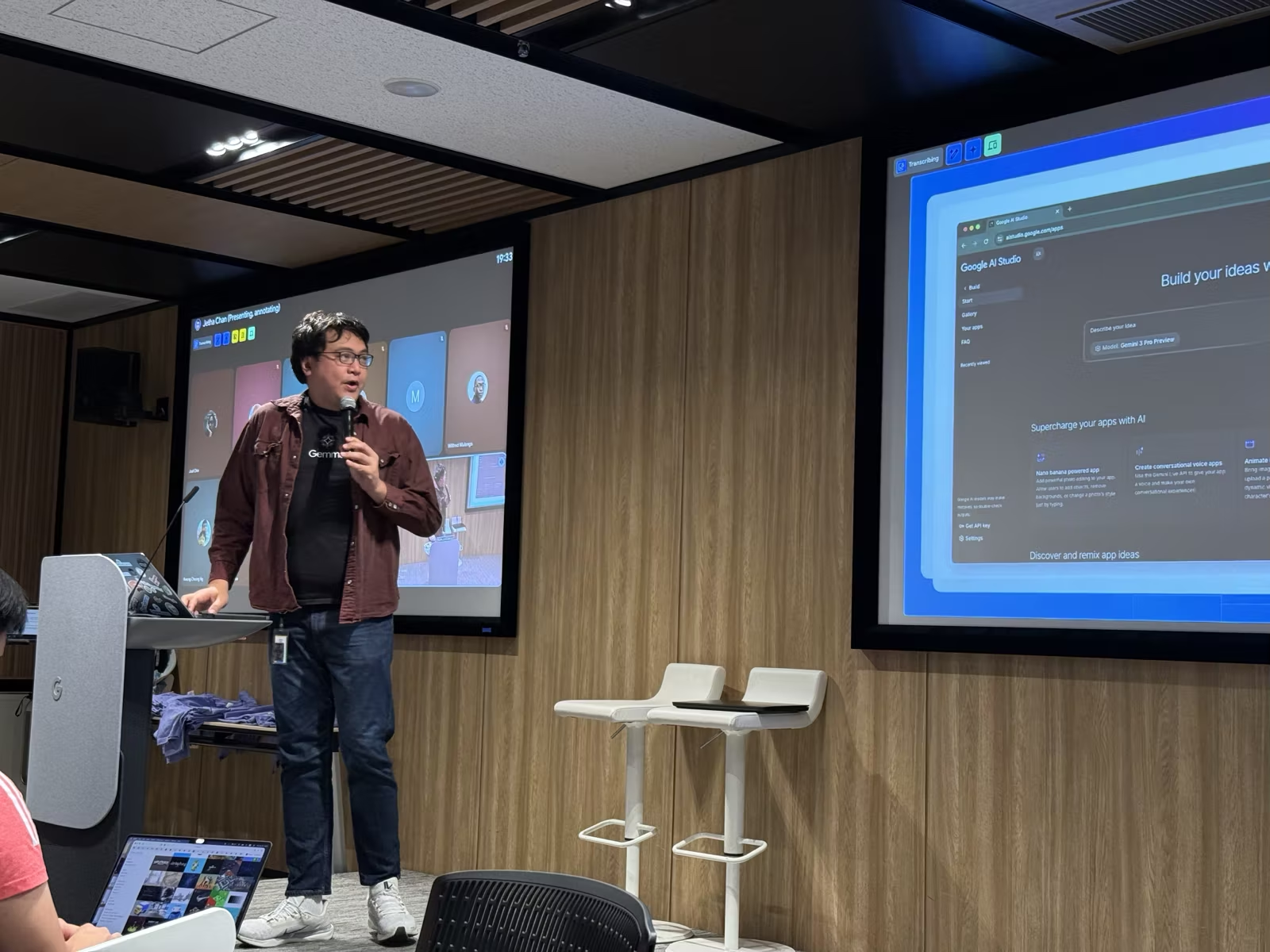
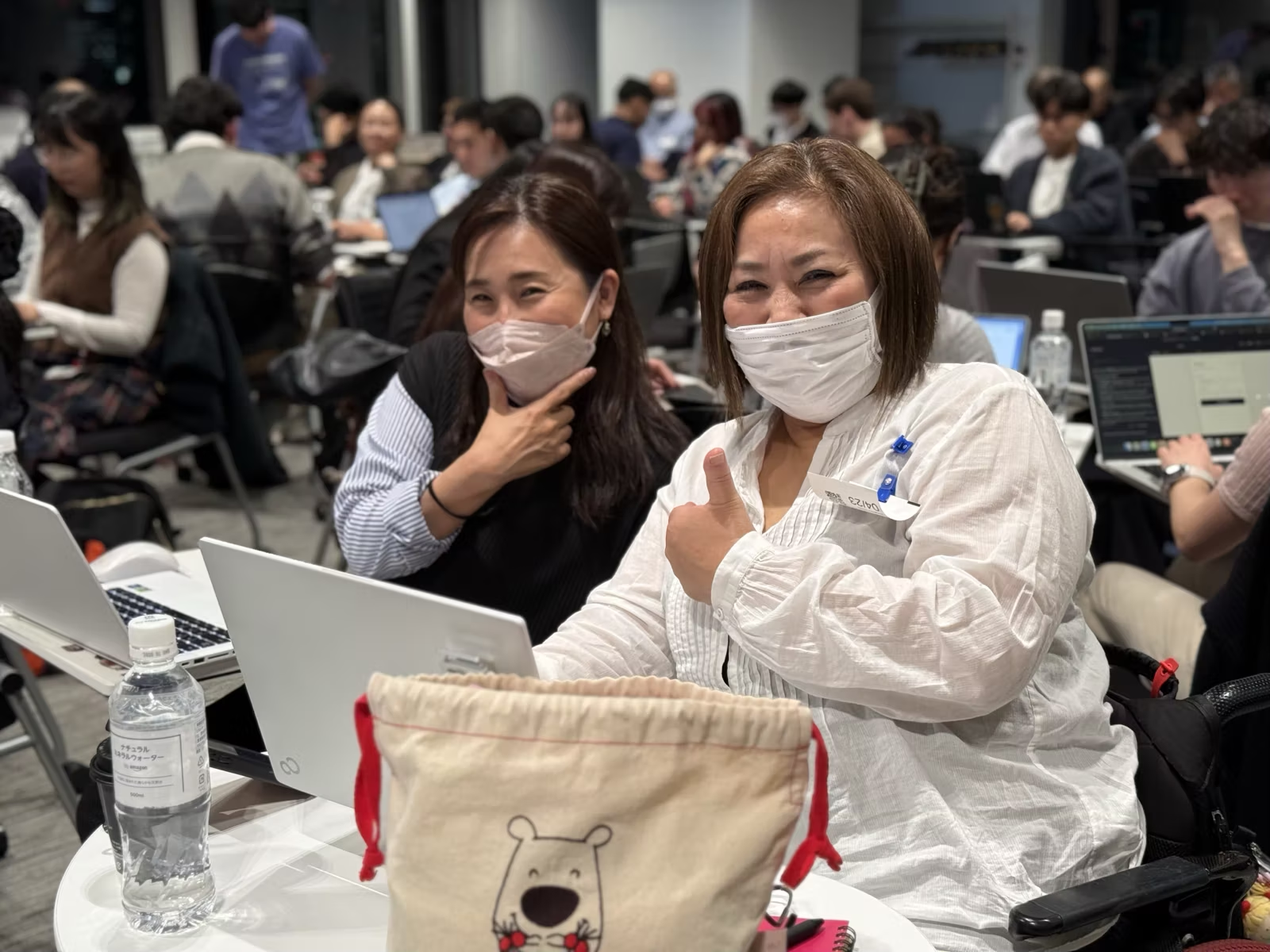
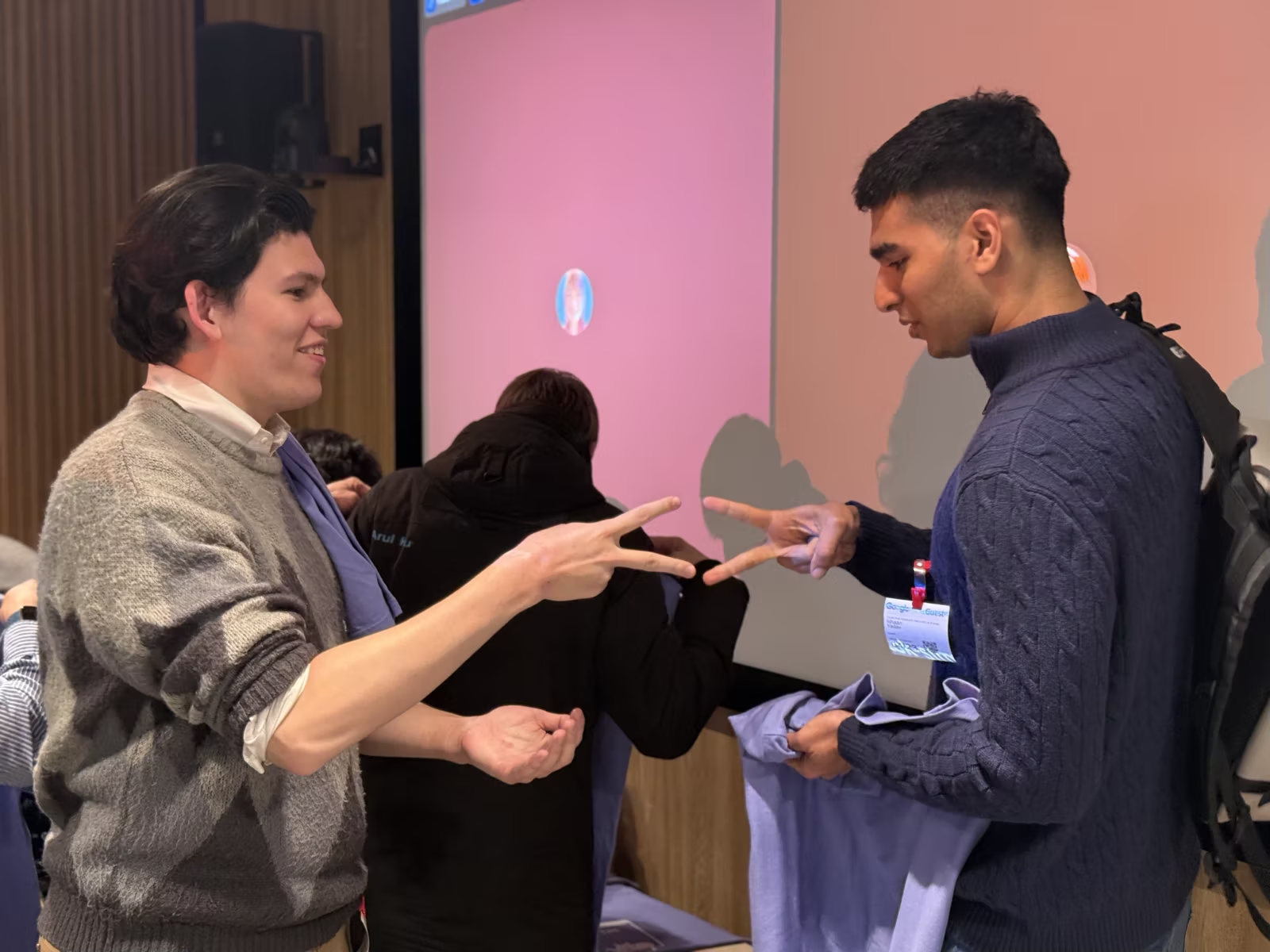
Thanks to everyone who joined yesterday's workshop! A huge thanks to @jetha for leading the clear, relatable and practical session 🙂 It was amazing to see many of you code your first app with pure creativity and passion.
Takeaways:
-
🥳 Use Google AI Studio for rapid prototyping. Start with a basic idea and use the chat to iterate instead of trying to write a perfect initial prompt.
-
🥳 Use images to drive UI design. We saw a basic Tic-Tac-Toe game turn into a Persona 5-style interface just by uploading a reference screenshot.
-
🥳 Reserve API calls for complex tasks. Use the Gemini API for tasks like image recognition, but keep simple logic local to reduce costs and latency.
Slides: https://lnkd.in/gRmnuiPn
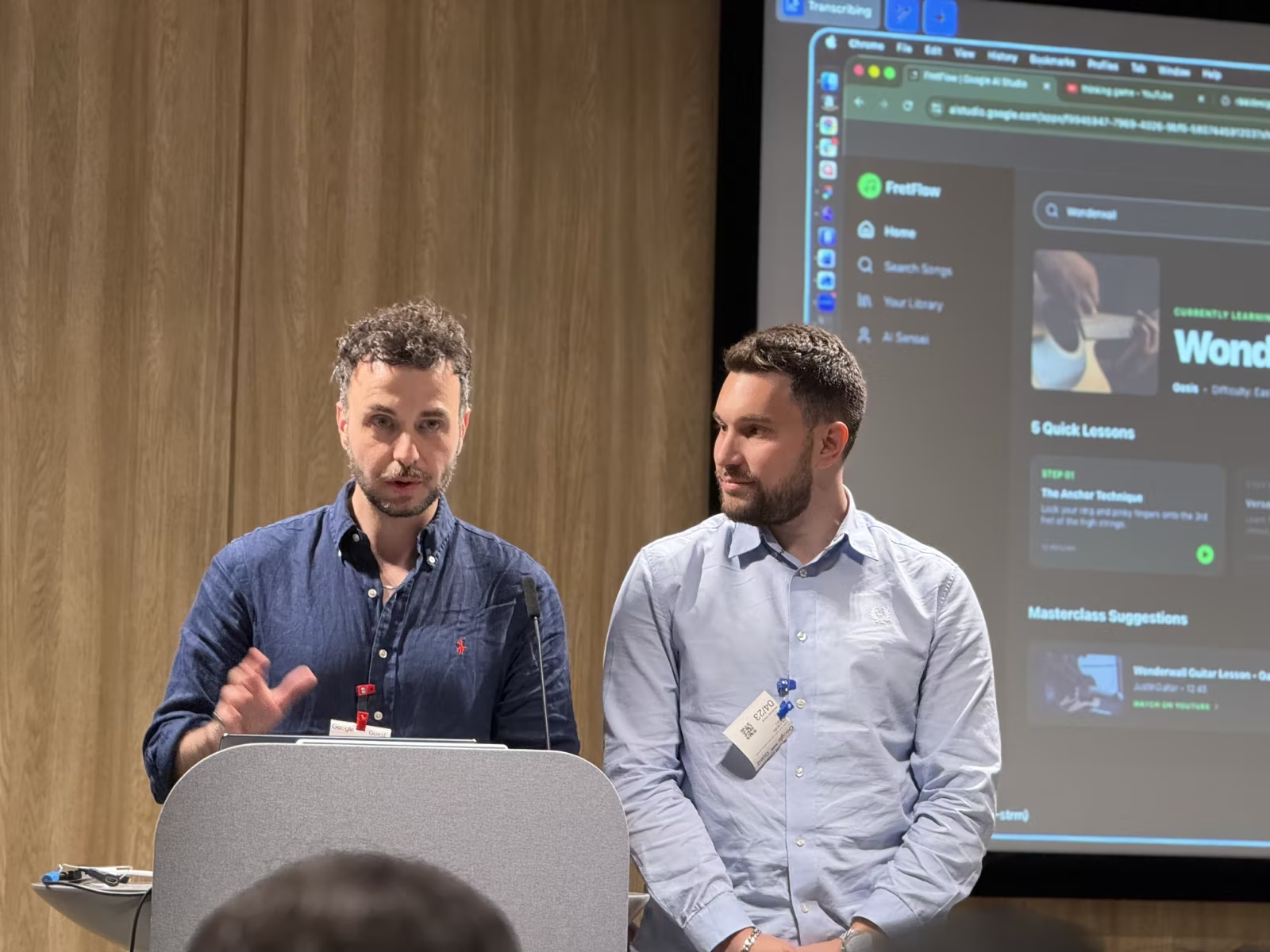
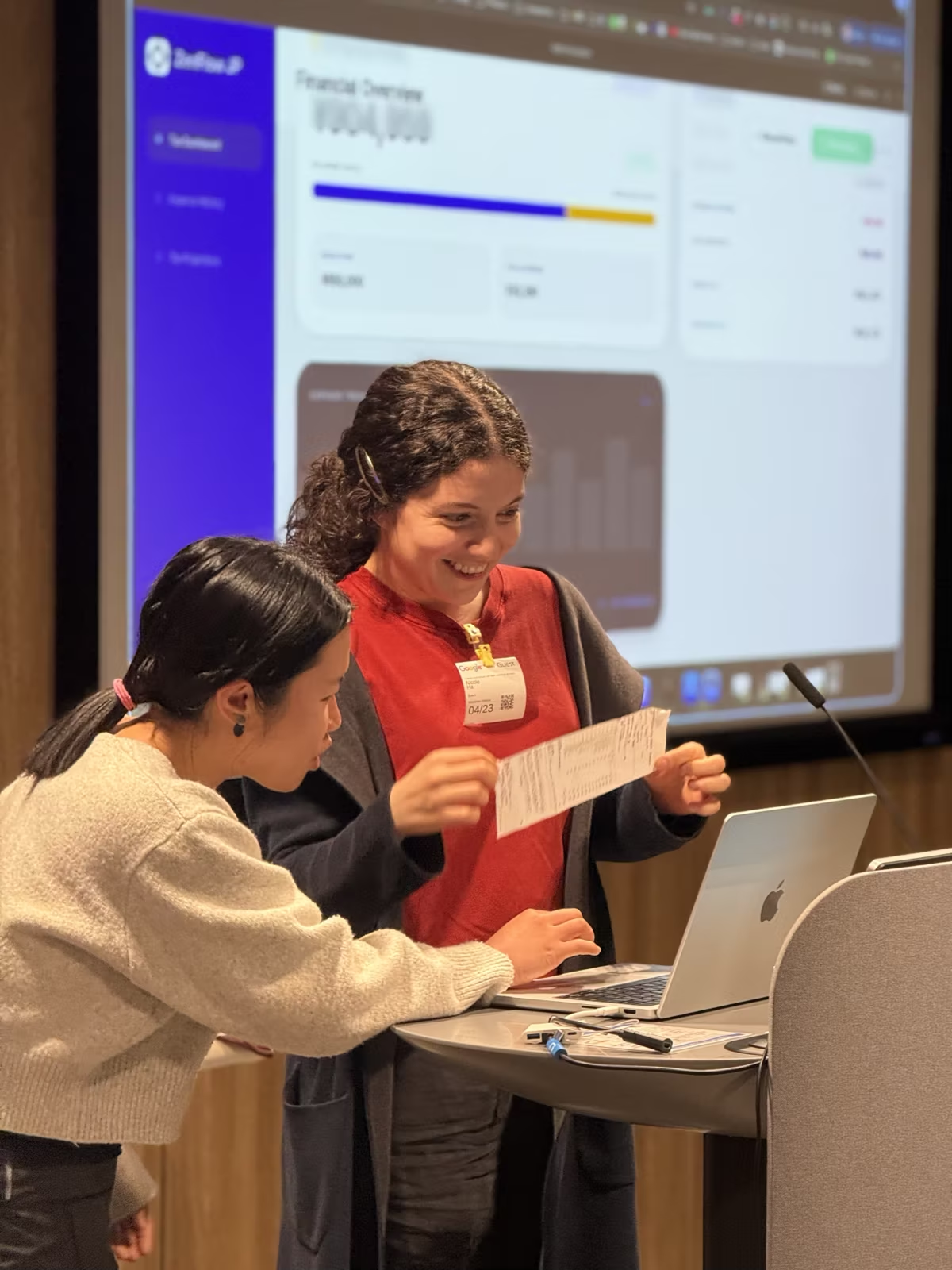
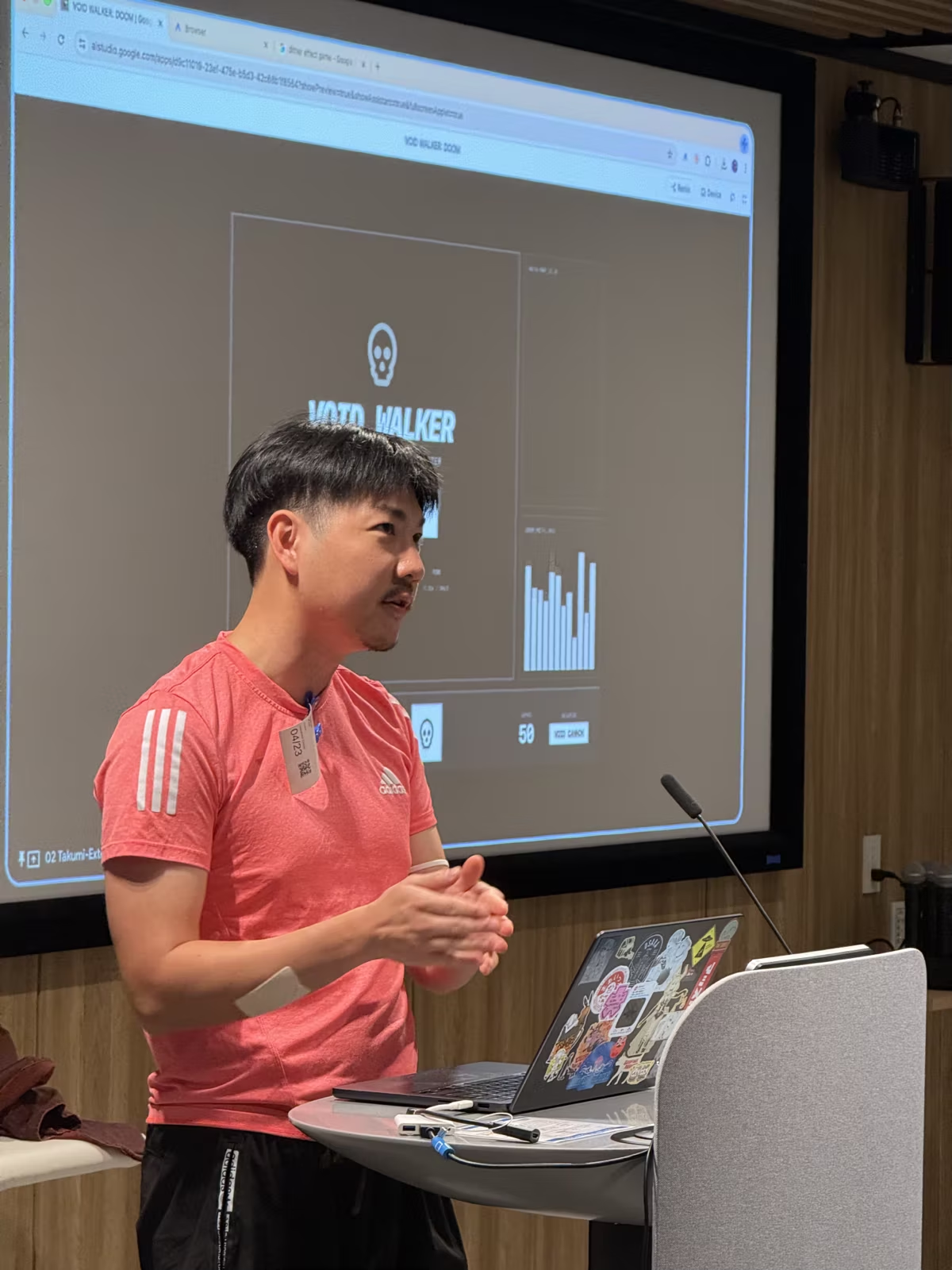
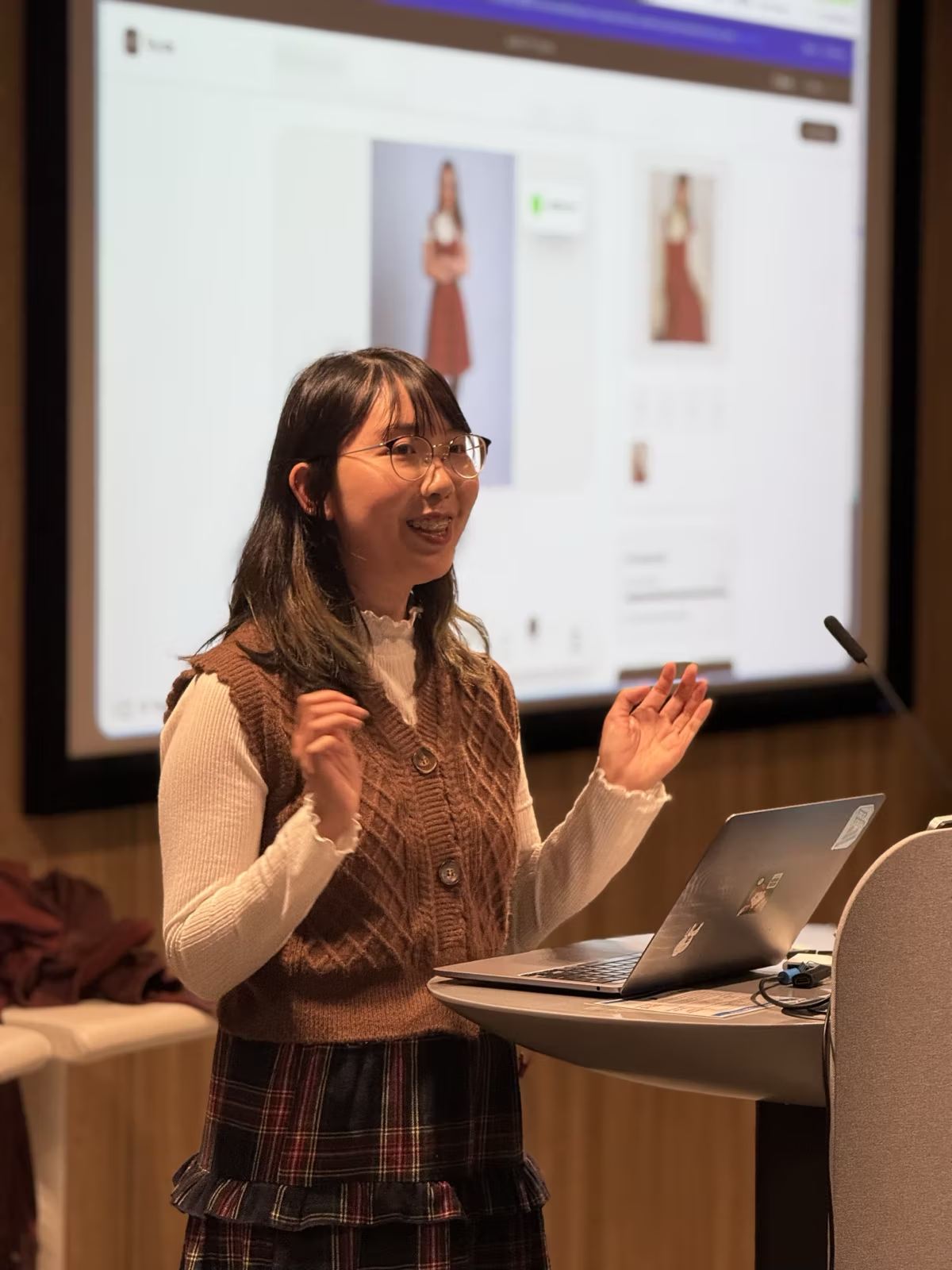
How did you all build this in 20 MINUTES?? Your creations blew us away!
🧾 Zen Flow 🎸 Frit Flow 🎮 Doom 👗 Virtual Try-On 🤝 Questy: A productivity tool that adds social consequences 🥗 Meal Planner 🏭 Machine Operator 🚂 Train Map 🌍 Global Friend Finder 🐠 Virtual Aquarium:
Photos